
A custom self-service portal was developed using Microsoft Power Pages to help a leading insurance company streamline customer interactions. The portal allowed customers to file claims, track policy information, and receive support in real-time, significantly reducing the workload on customer service teams and improving overall satisfaction.
The client is a well-established insurance provider offering a range of products, including life, health, and auto insurance. Previously, their customer service operations were heavily reliant on phone-based and email interactions, which led to long wait times and inefficient claim processing. The company needed a digital solution to empower customers to manage their policies and submit claims online through a self-service portal.
Custom Self-Service Portal: A centralized platform where customers can file claims, update policy details, and track claims status in real-time.
User Registration and Authentication: Secure registration and login system with multi-factor authentication to protect customer data and ensure compliance with industry standards.
Automated Workflows: Integration with Power Automate to automatically route claims to the appropriate departments, reducing manual intervention and speeding up processing times.
Real-Time Reporting with Power BI: Dashboards providing internal teams with real-time insights into claim volumes, processing times, and customer satisfaction.
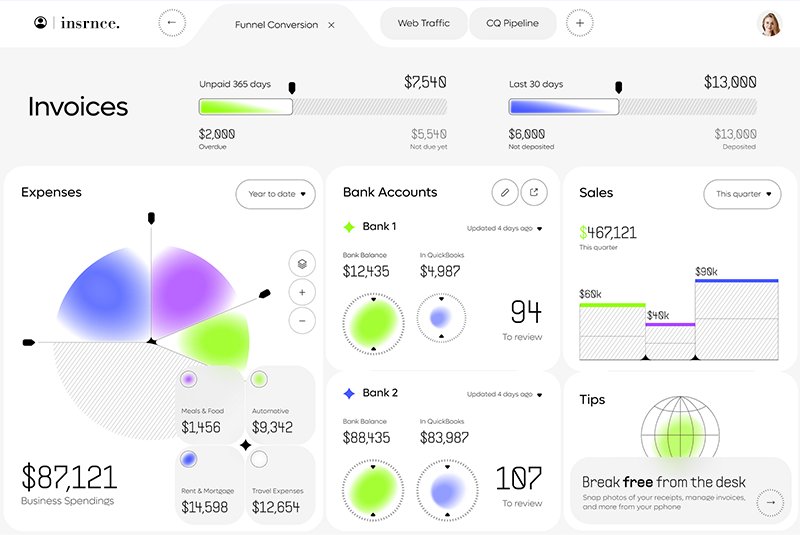
45% Reduction in Claim Processing Time: Automated workflows and real-time data access significantly reduced the time required to process claims, improving customer satisfaction.
50% Decrease in Customer Service Inquiries: The self-service portal allowed customers to manage their policies and check claim statuses on their own, reducing the load on customer service teams.
Improved Data Accuracy: Integration with the client’s existing systems reduced manual data entry errors and provided a single source of truth for customer and claims data.
Increased Customer Satisfaction: The self-service capabilities empowered customers, resulting in higher satisfaction and improved retention rates.
| Milestone | Tasks | Timeline | Responsible |
|---|---|---|---|
| Project Initiation | – Define project scope, stakeholder engagement, project planning | Month 1 | Project Manager |
| Requirements Gathering | – Conduct customer service analysis, gather functional and technical requirements | Month 1-2 | Business Analysts |
| System Design | – Design portal architecture, develop security features, integrate with CRM system | Month 2-3 | Solution Architect |
| Development | – Develop Power Pages portal with claim-filing, policy management, and customer support features | Month 3-6 | Development Team |
| Testing and QA | – Perform unit, integration, and user acceptance testing | Month 5-7 | QA Team |
| Training and Documentation | – Develop user manuals, conduct training sessions for customer service teams | Month 7-8 | Training Team |
| Deployment and Go-Live | – Final data migration, go-live preparation, post-launch support | Month 8-9 | IT Team, Project Manager |

Your inquiry matters to us. One of our specialists will get back to you within 24 hours to discuss your project.